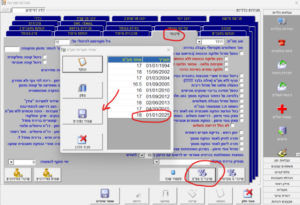






Attached is an explanatory video for the VAT change in the Rapid software (this change can be made starting now because the system defines the change date, the current VAT remains unchanged, and at the beginning of the year, it will change according to the definition – there is no need to wait until the last day).
Click on “System Settings” > “Financial” tab > “VAT Change” > Add a row, Date 01/01/2025, 18% > “Save Data” > “Close Window”.